
FanDuel, fully supported
- One-click slate loading with the free StatWarrior FanDuel Helper for Chrome.
- FanDuel rules built in: salary caps, positions, max players per team and minimum teams per lineup.
- Single-game MVP lineups with the 1.5x multiplier.
- Upload-ready CSV in FanDuel's format.
FanDuel roster formats
| Sport | DraftKings | FanDuel |
|---|---|---|
| NFL | QB, RB, RB, WR, WR, WR, TE, FLEX (RB/WR/TE), DST Cap $50,000 | QB, RB, RB, WR, WR, WR, TE, FLEX (RB/WR/TE), DEF Cap $60,000 |
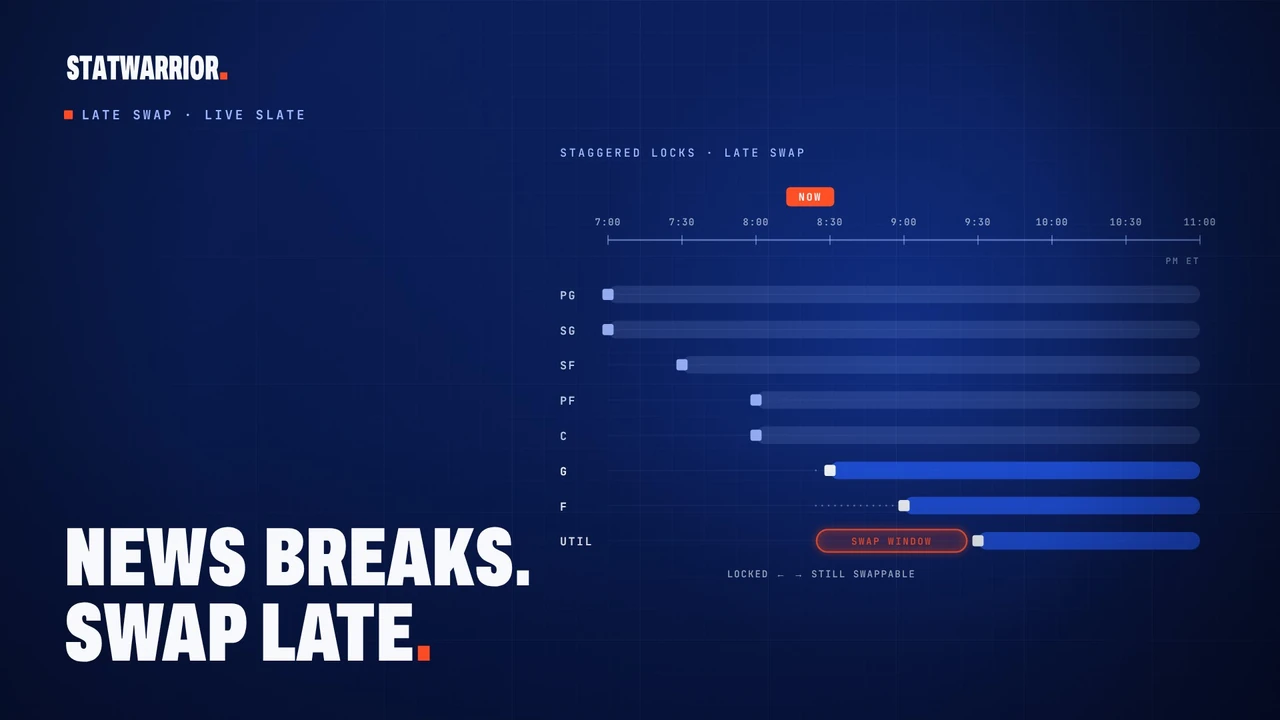
| NBA | PG, SG, SF, PF, C, G, F, UTIL Cap $50,000 | PG, SG, SF, PF, C, G/F, F/C, UTIL, UTIL Cap $60,000 |
| MLB | P, P, C, 1B, 2B, 3B, SS, OF, OF, OF Cap $50,000 | P, C/1B, 2B, 3B, SS, OF, OF, OF, UTIL Cap $35,000 |
| NHL | C, C, W, W, W, D, D, G, UTIL Cap $50,000 | C, C, W, W, D, D, UTIL, UTIL, G Cap $55,000 |
| PGA | 6 golfers Cap $50,000 | 7 golfers (best 6 count) Cap $60,000 |
| NASCAR | 6 drivers Cap $50,000 | 5 drivers Cap $50,000 |
| Soccer | F, F, M, M, D, D, GK, UTIL Cap $50,000 | 4 FWD/MID, 2 DEF, GK Cap 100 credits |
| MMA | 6 fighters Cap $50,000 | MVP (1.5x points) + 5 fighters Cap 100 credits |
Build a FanDuel lineup set, from slate to review
- Choose FanDuel, your sport and the correct slate. Match the listed games and contest format to the entries you intend to submit. A main slate, a late slate and a single-game MVP contest can have different player pools and roster requirements.
- Review the player pool. Check projections and availability. A lock requires a player in your lineups; an exclusion removes him from the build. In Projections, edit a player's forecast or upload your own CSV with
nameandprojectioncolumns;ownershipis optional. - Set the size and rules of your build. Choose up to 150 lineups, set Max exposure %, and use Min unique to control how many players differ between lineups. Keep the rules achievable within that slate's salary cap and positions.
- Build and inspect the results. Check how many legal lineups were produced, the player exposure list and any warnings. Tight rules can produce fewer lineups than requested. The WarriorSim contest simulation guide explains how modeled field and payout assumptions affect tournament comparisons.
- Open Export CSV and read the upload note before downloading. Confirm the entries on FanDuel after uploading the file.
For sport-specific research, follow the NBA optimizer guide or NFL optimizer guide. FanDuel builds also cover the other supported sports listed above, with their own roster rules.
Example: what a 50% exposure limit means
Illustrative settings, not a recommended lineup or past result. Suppose you request 20 lineups and set maximum exposure to 50%. An unlocked player can appear in at most 10 of a completed 20-lineup set. The limit does not require the optimizer to use him 10 times. A player lock instead requires his inclusion, so check locks alongside your exposure settings.
If a player is projected for 30% field ownership, that percentage describes the modeled opponents; it does not set your exposure. Compare the actual lineup counts after the build. Several different lineups can still share most of their players, so review concentration across the whole set.
Import the correct FanDuel player list and verify the export
The slate's player IDs connect your lineup to FanDuel's upload format. If the export note says IDs are missing, use the player list from the exact contest you intend to enter. The StatWarrior FanDuel Helper can attach IDs from that slate; the platform also supports a CSV import:
- Select FanDuel and the correct sport in StatWarrior.
- Download the contest's player list from FanDuel. In StatWarrior, choose Import CSV, then Choose salary CSV and Import slate. A separate projections file is optional; review the projections after importing.
- Check the slate's games, player pool and format, then build or rebuild your lineups.
- Choose Export CSV. Resolve any missing-ID or inactive-pool warning before uploading. Sample slates use placeholder IDs and cannot serve as live contest upload files.
- Choose Download .csv, upload through FanDuel, and verify that the intended players and entries were accepted before lock. Copy CSV is also available when you need the file's text.
Where shown, compare the FanDuel game # with the number after /games/ in your FanDuel link, and follow the export note if it differs. A successful model build is separate from an accepted entry on FanDuel. Projections and simulation results are model estimates, not guarantees.
Questions
How do FanDuel slates get into StatWarrior?
Open FanDuel in Chrome and click Pull all slates in the StatWarrior FanDuel Helper. Every listed slate loads, with player IDs for upload.
How much does StatWarrior cost?
One plan, $29/month, with every tool included: the optimizer, projections, simulations, props and betting analytics. Cancel anytime in two clicks.
Is StatWarrior a sportsbook or a DFS site?
No. StatWarrior is a research and analytics tool. You build and export lineups here, then enter contests or place bets on DraftKings, FanDuel or wherever you choose, under their rules and the laws where you live.