
What a DFS contest simulator adds
StatWarrior is the exclusive home of WarriorSim™ Optimization, included with every tool in the $29/month plan.
A projection summarizes a player's possible production. A tournament also depends on what everyone else rosters and how prizes are distributed. Two lineups with similar projected scores can behave differently when teammates succeed together or a popular player underperforms.
A simulator explores those possibilities under stated assumptions; it cannot tell you tonight's actual result. For background on player ranges, see DFS projections and ownership.
How WarriorSim builds a lineup set
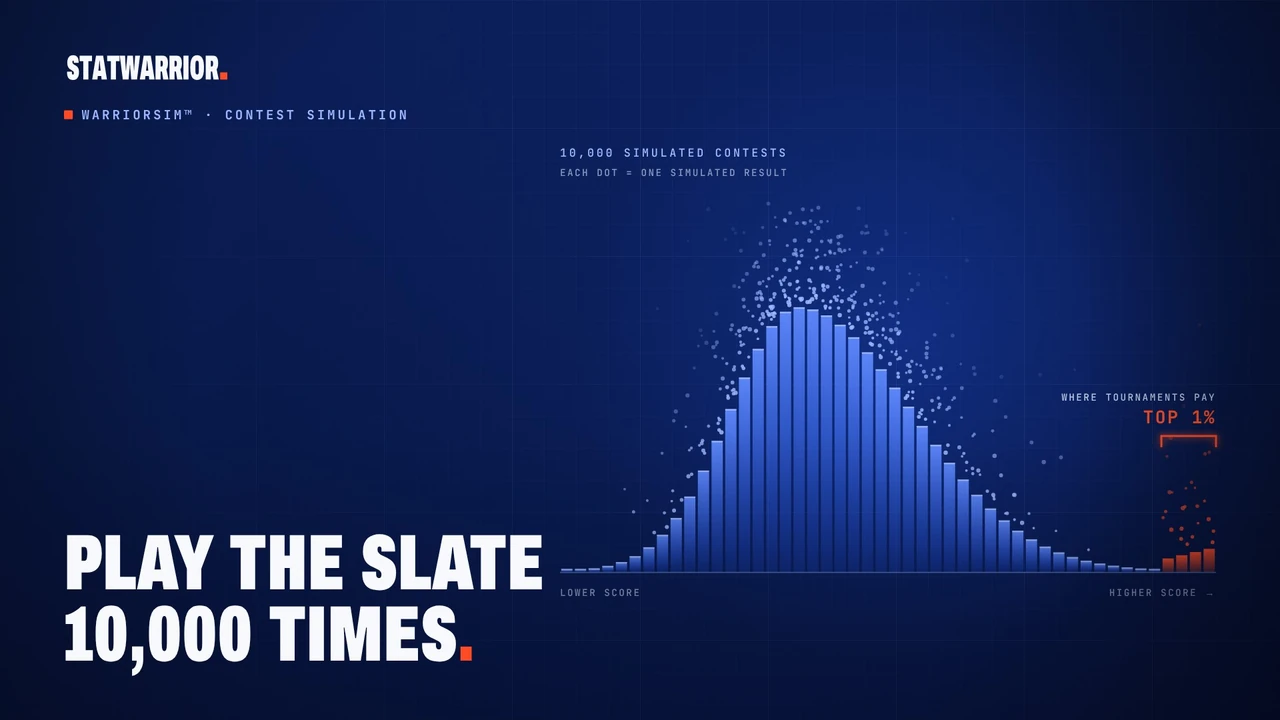
WarriorSim simulates the slate thousands of times, including relationships between player outcomes. It creates candidate lineups and evaluates them against a modeled field, using a selected contest's payouts when available or configured payout assumptions. It selects the set with the best chance that at least one lineup finishes in the top 1% (or, in First place mode, the set whose best lineup scores highest), then reports that set beside a projection-based build on fresh simulations it was not chosen on.
Build and review your lineup set
- Choose your slate and contest. Check the sport, platform, slate and game times. Confirm that the player pool and contest assumptions match what you plan to enter.
- Review the inputs. Check player availability and projections. If you edit a projection, the simulator's conclusions change with it. A precise-looking percentage is still conditional on those inputs.
- Set your constraints. Apply locks, exclusions, salary rules, stacks and exposure limits. Begin with a manageable set of rules: overly tight constraints can leave few legal combinations.
- Build and inspect the set. Look at repeated players and games across your lineups. Several appealing lineups may still depend on the same narrow outcome. Compare the set as well as its individual entries. For each player, the exposure list shows his share of your set, his share of the modeled field and his Warrior Edge: how much more (or less) often he appears in the simulated top 1% than in the field.
- Review and export. Recheck news and the target slate before downloading your upload file. Confirm the entries on the fantasy platform itself. An export does not protect a lineup from later news or variance.
See the DFS optimizer guide for the broader build-and-export workflow.
Illustrative example: two ways to approach a slate
This example is fictional. It is not a StatWarrior result, backtest or recommended lineup.
Suppose Candidate A and Candidate B each project for 250 fantasy points. A contains several popular players from unrelated games. B combines teammates from one game, alongside a less popular player elsewhere.
If that shared game exceeds expectations, B's players may benefit together. If it disappoints, several positions may suffer at once. A may depend less on that game, but many opposing entries could share its popular players.
The projection alone does not resolve the choice. Comparing both candidates against the same modeled field and payouts asks: under these assumptions, how do their outcomes differ? The answer may change with a projection, the field or the contest. Neither lineup is automatically better.
Use the estimates with context
Review probabilities and simulated returns as comparisons within the model. Real opponents, late news and actual player outcomes can differ from its assumptions. Simulated ROI is not realized profit, and a top-ranked build can lose.
For a worked walk-through, follow the NBA tournament example or the NFL Sunday example. Each starts from the daily picks (NBA, NFL) and ends with an export. The track record shows how StatWarrior's own pre-lock lineups and projections scored against official box scores.
Questions
How many simulations does WarriorSim run?
Thousands per build. The count varies by sport and stage; the platform displays the simulation count alongside the results.
Can I use it for cash games?
Tournament mode uses WarriorSim by default. Cash-game mode uses maximum-projection optimization. Choose the mode for the contest you intend to enter.
How much does StatWarrior cost?
One plan, $29/month, with every tool included: the optimizer, projections, simulations, props and betting analytics. Cancel anytime in two clicks.
Is StatWarrior a sportsbook or a DFS site?
No. StatWarrior is a research and analytics tool. You build and export lineups here, then enter contests or place bets on DraftKings, FanDuel or wherever you choose, under their rules and the laws where you live.